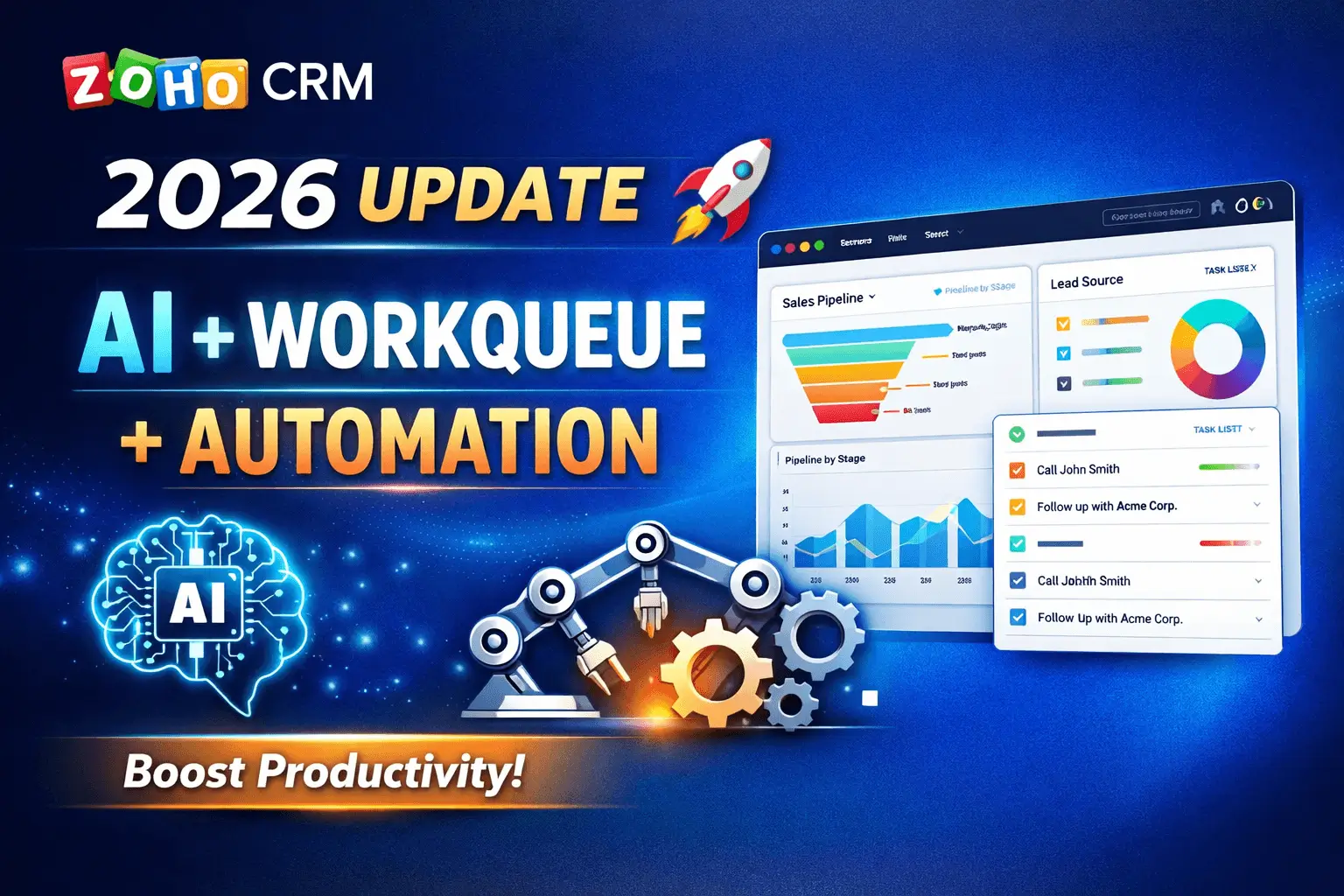
Zoho CRM continues to evolve with powerful updates designed to simplify sales workflows, improve productivity, and bring AI deeper into everyday CRM usage.
In the Q1 2026 update, Zoho focused on three key areas:
- Task management (WorkQueue)
- AI-powered automation (Zia + Smart Prompts)
- Better data & file management (WorkDrive integration)
Let’s break down what’s new, how it works, and why it matters for your business.
Key Highlights of Zoho CRM Q1 2026 Update
1. WorkQueue: Manage Daily Tasks in One Place
What is WorkQueue?
WorkQueue is a centralized workspace where sales reps can track:
- Leads
- Tasks
- Deals
- Activities
Instead of switching between modules, everything is now available in one view.
Why it matters
Sales reps usually jump between multiple CRM modules daily. WorkQueue eliminates this fragmentation.
Business Use Case
A sales executive can:
- View assigned leads
- Follow up on tasks
- Track high-priority deals all from a single dashboard
Result: Faster decision-making and better time management
2. Generate CRM Formulas Using AI (Zia)
What’s new?
Zoho introduced Zia Formula Expression Generator, allowing users to:
- Create formulas using natural language
- Avoid complex syntax writing
Example:
Instead of writing:
if(Revenue > 10000, "High", "Low")
You can simply type:
“Calculate deal category based on revenue above 10k”
Why it matters:
- Reduces dependency on technical knowledge
- Speeds up customization
- Minimizes formula errors
Ideal for business users and admins
3. Smart Prompts: AI Inside Your CRM Workflow
Zoho upgraded Smart Prompts with a better UI and deeper AI integration.
Key Enhancements
Record Assistant:
- Summarizes customer interactions
- Shows deal status instantly
- Provides contextual insights
Template Assistant:
- Generates email templates using prompts
- Allows tone, length, and style customization
Why it matters:
This transforms CRM into an AI-assisted workspace, not just a database.
Sales teams can respond faster and more effectively
4. Support for Multiple AI Models (LLMs)
Zoho CRM now supports multiple AI engines:
- Gemini
- Claude
- Cohere
- DeepSeek (China DC)
- SiliconFlow
Why this is important:
Businesses can:
- Choose preferred AI models
- Stay future-proof
- Integrate external AI workflows
This is a big step toward AI flexibility in CRM
5. Take Action on Zia Insights Instantly
Zia already provides:
- Predictions
- Recommendations
- Scores
Now, users can act directly on insights with one click.
Example:
- Identify at-risk deals
- Take immediate follow-up actions
This reduces delays between insight and execution
6. Zoho WorkDrive Integration (Major Upgrade)
What changed?
Zoho CRM now uses WorkDrive instead of Zoho Docs for file storage.
Key Features:
- Seamless file access inside CRM
- Automatic folder organization
- Better storage management
Migration Process:
- Select WorkDrive account
- Schedule migration
- Automatic transfer of files
During migration:
- Documents tab is temporarily unavailable
- CRM remains accessible
Why it matters:
- Improved file structure
- Better collaboration
- Cost-efficient storage
Stronger integration within Zoho One ecosystem
What You Will Learn from This Update:
After understanding this update, you will know:
- How to manage all CRM tasks in one place using WorkQueue
- How AI (Zia) simplifies complex CRM configurations
- Why Smart Prompts improve communication and productivity
- How WorkDrive enhances file management inside CRM
- How Zoho is moving toward an AI-first CRM platform
Summary of Key Improvements:
| Feature | What It Does | Business Benefit |
|---|---|---|
| WorkQueue | Central task management | Saves time, improves focus |
| Zia Formula Generator | AI-based formula creation | No coding required |
| Smart Prompts | AI-powered assistance | Faster communication |
| Multi-LLM Support | Multiple AI integrations | Future-ready CRM |
| Zia Insights Action | One-click execution | Faster decisions |
| WorkDrive Integration | Advanced file storage | Better data management |
Final Thoughts:
The Zoho CRM Q1 2026 update clearly shows a shift toward:
- AI-driven workflows
- Centralized user experience
- Seamless ecosystem integration
If you are using Zoho CRM, these updates are not just improvements – they are productivity multipliers.
Read More:
- Zoho CRM Widget API Integration with Nexphone
- Zoho CRM Widget Integration with Zoho Backstage: Manage Event Attendees Directly from CRM
- Zoho CRM Marketing Automation Integration: Complete Guide
- How to Convert Zoho Books Invoice to PDF and Automatically Upload to Zoho WorkDrive
- How Zoho Integration Services Enhance Workflow Automation
- Client Script Support for Custom Buttons in Zoho CRM: Real-Time Automation Without Server Calls
- What Is Zoho Creator Portal? How to create a portal in Zoho?