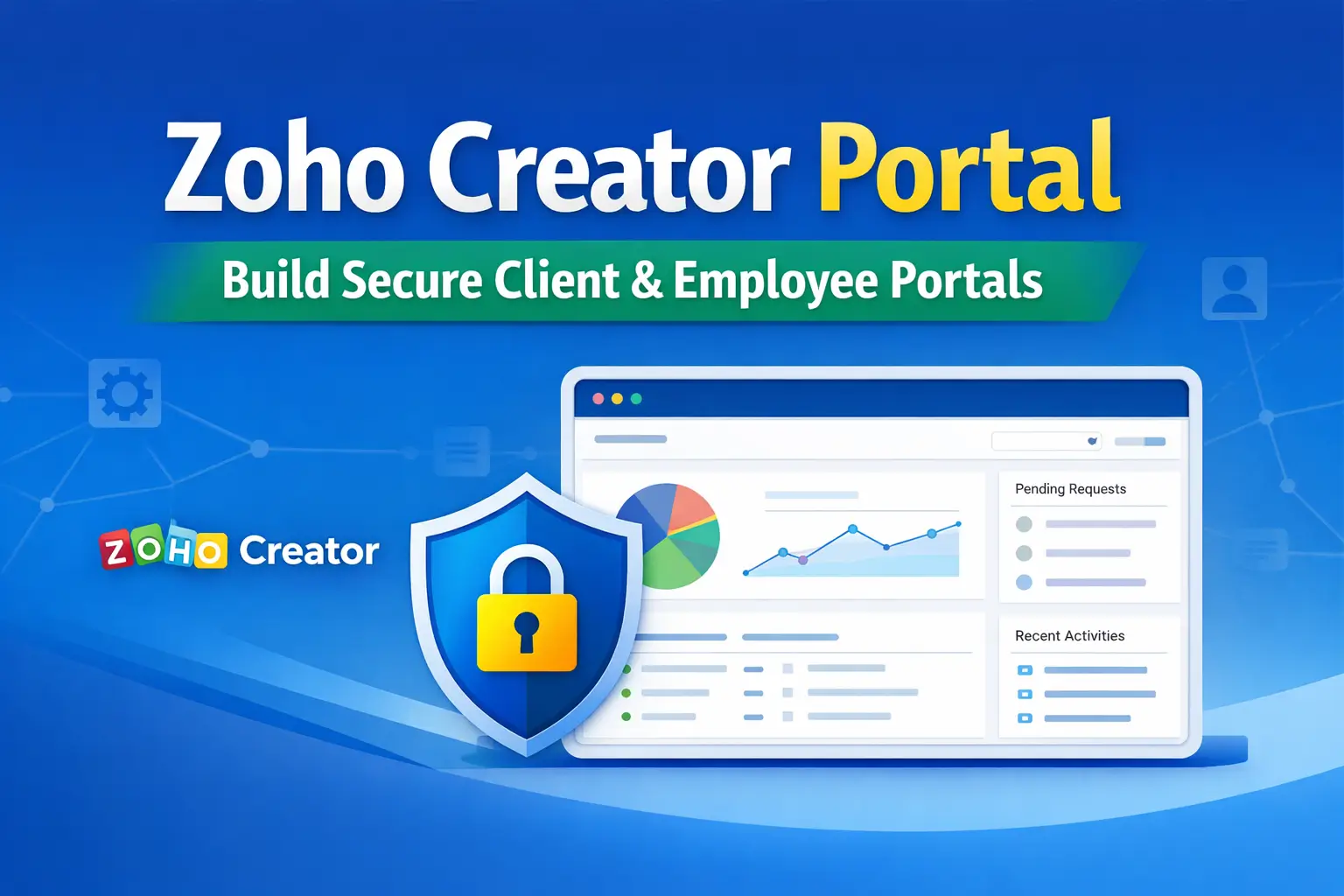
Zoho Creator Portal is one of the most powerful features of Zoho Creator, enabling businesses to build secure, role-based web portals for customers, vendors, partners, and employees – without giving them direct access to internal Zoho apps.
In this guide, you’ll learn what Zoho Creator Portal is, how it works, real-world business use cases, and step-by-step instructions to create a portal using Zoho Creator.
What Is Zoho Creator Portal?
The Zoho Creator Portal is a customizable web interface that allows external users to securely access selected data and features from your Zoho Creator applications.
Instead of logging into your Zoho One admin account, portal users access a dedicated portal URL where they can:
- View only their own records
- Submit forms and requests
- Track application or service status
- Upload files and documents
- Interact with automated workflows
This makes Zoho Creator Portal ideal for self-service systems and external collaboration.
Why Use Zoho Creator Portal?
| Challenge | Portal Solution |
|---|---|
| External user access | Secure portal login |
| Manual email communication | Self-service dashboards |
| Data privacy concerns | Role-based access control |
| High admin workload | Automated workflows |
| Poor user experience | Branded portal UI |
Types of Zoho Creator Portals
1. Client / Customer Portal
Used for:
- Service request submission
- Order or project tracking
- Invoice & document access
Example:
A service company allows clients to submit support tickets and track resolution status.
2. Vendor / Partner Portal
Used for:
- Purchase order viewing
- Invoice submission
- Vendor profile management
Example:
Suppliers upload invoices directly into Zoho Creator, triggering approval workflows.
3. Employee Portal
Used for:
- Leave requests
- Attendance records
- HR documents
Example:
Employees apply for leave and track approvals without accessing Zoho People directly.
Key Features of Zoho Creator Portal
🔐 Security & Access Control
- Role-based permissions
- Record-level data visibility
- Email or SSO authentication
🎨 Custom Branding
- Company logo
- Brand colors
- Custom navigation menu
⚙️ Automation & Integration
- Deluge workflows
- Email & in-app notifications
- Integration with Zoho CRM, Books, Desk, Inventory
🌍 Multi-Language Support
- Serve global users
- Localized UI experience
How to Create a Portal in Zoho Creator (Step-by-Step)
Step 1: Build Your Zoho Creator App
- Create required Forms
- Configure Reports
- Define Workflows
Settings → Users & Control → Portals → Create PortalStep 3: Configure Portal Settings
- Portal name & URL
- Logo and theme colors
- Default language
Step 4: Define Portal User Roles
Examples:
- Client
- Vendor
- Employee
Set permissions for:
- Forms
- Reports
- Actions
Step 5: Design Portal Pages
- Choose forms & reports
- Customize navigation
- Add custom pages if needed
Step 6: Invite Users
- Email invitations
- Role assignment
- Secure login credentials
Best Practices for Zoho Creator Portal
- Keep UI simple and task-focused
- Restrict access using criteria-based permissions
- Always test with real user roles
- Enable email notifications for actions
- Document portal usage for users
Real-World Business Use Case
IT Service Company Portal
- Clients submit service tickets
- Automated SLA tracking
- Status notifications
- Integrated with Zoho CRM & Desk
Result:
✔ 60% reduction in email communication
✔ Faster ticket resolution
✔ Higher customer satisfaction
Benefits of Using Zoho Creator Portal
- Self-service experience for users
- Reduced admin workload
- Secure external collaboration
- Faster business processes
- Scalable portal solution
Conclusion
Zoho Creator Portal is a powerful, scalable, and secure solution for businesses looking to provide external access to their applications – without compromising data security.
Whether you need a client portal, vendor portal, or employee portal, Zoho Creator allows you to build it without heavy coding, fully integrated with Zoho One.
👉 Read More: