In today’s competitive digital landscape, businesses are no longer struggling to find customers – they’re struggling to manage them effectively.
Whether you’re a startup, SME, or enterprise, managing leads, tracking interactions, and delivering consistent customer experiences across teams is complex. This is exactly where a Customer Relationship Management (CRM) system becomes essential.
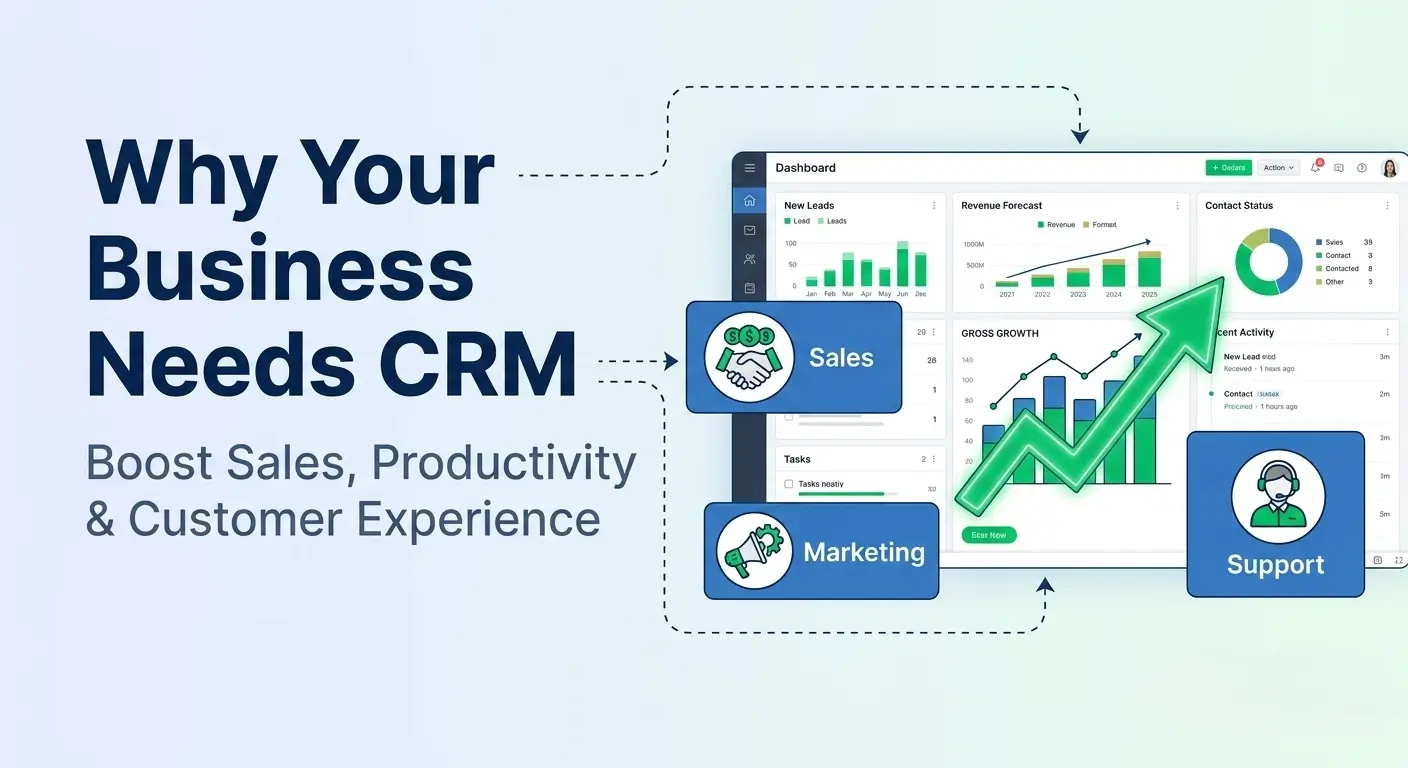
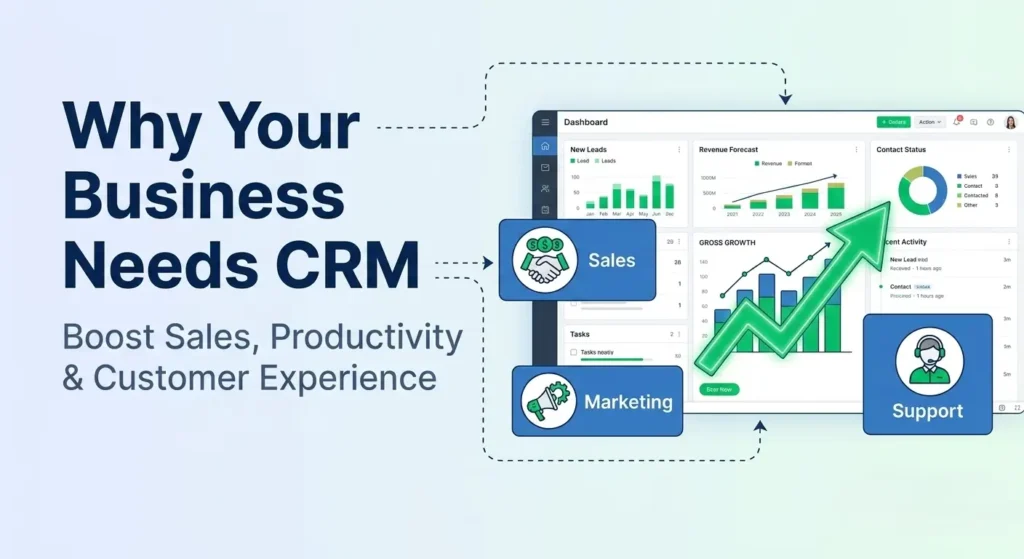
A CRM is not just a database – it’s a centralized growth engine that aligns your sales, marketing, and customer support teams.
What is a CRM System?
A CRM system helps businesses:
- Store and manage customer data in one place
- Track interactions across multiple channels
- Automate sales, marketing, and support workflows
- Improve collaboration between departments
In simple terms, CRM ensures that every customer interaction is tracked, optimized, and leveraged for growth.
Why CRM is No Longer Optional
According to industry reports, CRM has become the fastest-growing enterprise software market, surpassing even database systems. Businesses are rapidly adopting CRM solutions to:
- Improve operational efficiency
- Deliver personalized customer experiences
- Increase revenue and retention
If your business is still relying on spreadsheets, emails, or disconnected tools you are already behind.
Core Benefits of CRM for Your Business
1. Centralized Customer Data
A CRM provides a single source of truth for all customer-related information.
Without CRM:
- Data scattered across emails, spreadsheets, and tools
- No unified customer view
- High risk of data loss
With CRM:
- Complete customer profile (contacts, deals, history)
- Real-time updates across teams
- Easy access anytime, anywhere
Use Case:
A sales rep can instantly view past conversations, purchase history, and current deal status before contacting a client.
2. Improved Communication Across Teams
CRM breaks silos between departments.
- Sales knows what marketing promised
- Support knows what sales sold
- Marketing knows customer behavior
Result:
- Consistent messaging
- Better collaboration
- Seamless customer experience
3. Enhanced Customer Service
Customer expectations are higher than ever.
CRM enables:
- Faster response times
- Personalized interactions
- Complete customer history tracking
Example:
Support agents can resolve issues quickly by accessing:
- Previous tickets
- Purchase details
- Communication logs
4. Increased Sales Efficiency
CRM automates repetitive sales tasks and improves pipeline visibility.
Key Features:
- Lead tracking
- Deal management
- Automated follow-ups
- Sales forecasting
Outcome:
- Sales reps spend less time on admin tasks
- More time closing deals
5. Better Decision-Making with Data
CRM systems provide real-time analytics and reporting.
You can track:
- Campaign performance
- Conversion rates
- Sales trends
- Customer behavior
Business Impact:
- Data-driven strategies
- Optimized marketing spend
- Improved ROI
6. Increased Productivity Through Automation
Automation is one of the biggest advantages of CRM.
Examples:
- Auto lead assignment
- Workflow triggers
- Email automation
- Task reminders
CRM Impact Across Departments
Sales: Close Deals Faster
- Lead prioritization
- Pipeline visibility
- Upselling & cross-selling
- Real-time collaboration
Marketing: Smarter Campaigns
- Lead scoring & grading
- Multi-channel tracking
- Campaign performance analytics
- Social media monitoring
Support: Better Customer Experience
- Multichannel support (email, chat, phone)
- Faster issue resolution
- Personalized service
- Unified customer view
Real-World Business Use Case
Scenario: Growing Logistics Company
Challenge:
- Disconnected systems
- Poor communication between dispatch & sales
- Missed follow-ups
Solution:
Implemented CRM with:
- Lead tracking
- Workflow automation
- Integrated communication
Results:
- 40% faster response time
- 25% increase in conversions
- Improved customer satisfaction
Best Practices for CRM Implementation
To maximize CRM success:
1. Define Clear Objectives
- Sales growth
- Customer retention
- Process automation
2. Customize CRM to Your Workflow
Avoid one-size-fits-all setups.
3. Integrate with Other Tools
- Email systems
- Accounting software
- Marketing platforms
4. Train Your Team
Adoption is key to success.
5. Automate Strategically
Start small, then scale workflows.
Why Choose Zoho CRM for Your Business?
For businesses using Zoho One, Zoho CRM offers:
- Seamless integration with Zoho Books, Campaigns, Desk
- Powerful automation with Deluge scripting
- Custom modules & workflows
- AI-powered insights (Zia)
It’s a cost-effective, scalable solution for startups and enterprises alike.
Conclusion
A CRM system is no longer a luxury – it’s a necessity.
If your goal is to:
- Build strong customer relationships
- Increase sales efficiency
- Improve team collaboration
- Make smarter business decisions
Then implementing a CRM should be your next strategic move.
Read More:
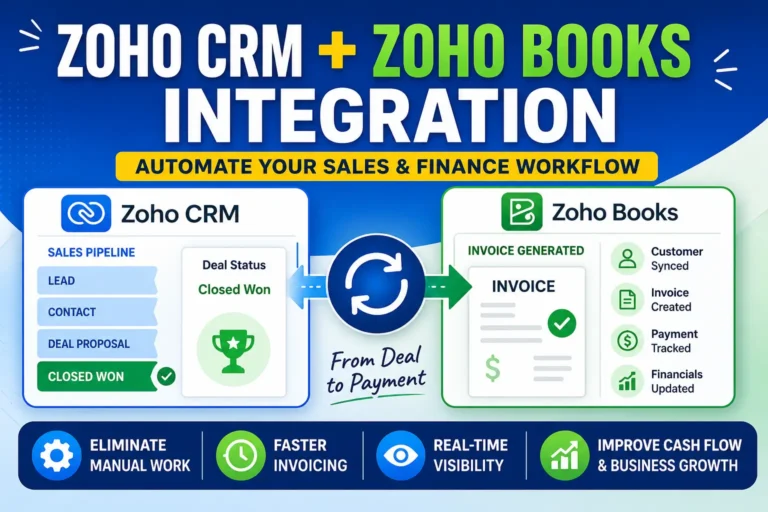
- How Zoho CRM and Zoho Books Integration Boosts Business Efficiency
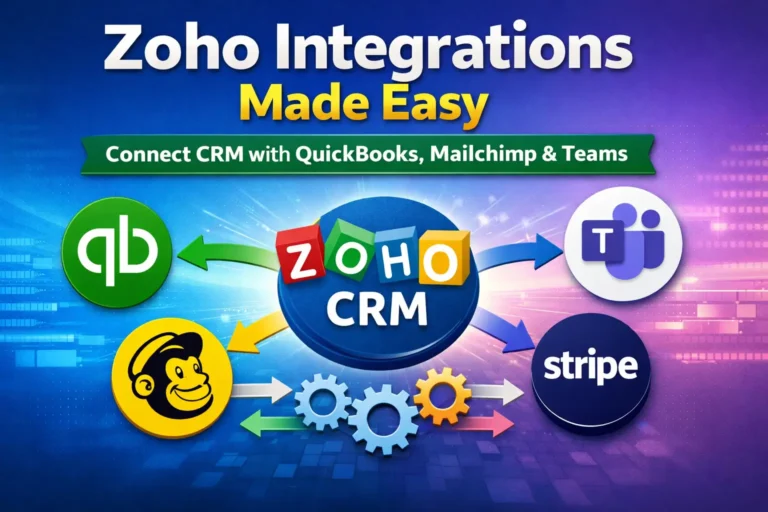
- Zoho Integrations: Connect Zoho with QuickBooks, Mailchimp, Teams & More
- How Zoho MCP Works: The Future of AI Automation in Zoho One
- How Zoho CRM Q1 2026 Updates Improve Sales Productivity with AI, WorkQueue & Smart Automation
- Zoho CRM Widget API Integration with Nexphone
- Zoho CRM Widget Integration with Zoho Backstage: Manage Event Attendees Directly from CRM