Managing event attendees across multiple platforms can create operational friction for sales and marketing teams. When your events are hosted in Zoho Backstage but customer data lives in Zoho CRM, switching between systems slows productivity and increases the risk of data inconsistency.
This is where a custom Zoho CRM Widget becomes a powerful solution.
In this guide, you’ll learn how to build a Zoho CRM widget that integrates with Zoho Backstage, enabling users to:
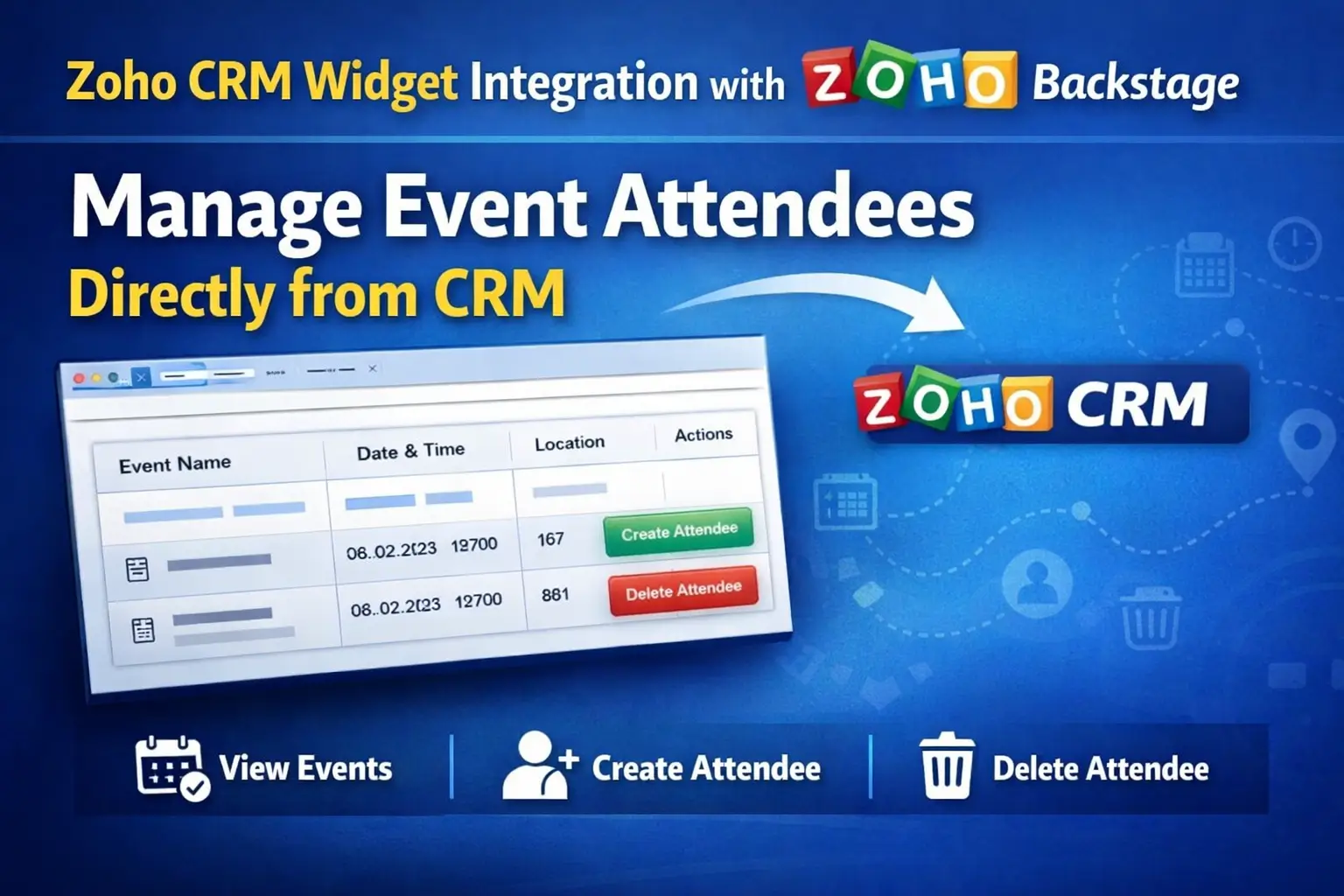
- View live event data
- Register attendees
- Remove attendees – all directly from the Contact Details page in Zoho CRM
What is a Zoho CRM Widget?
A Zoho CRM Widget is a custom UI component that extends CRM functionality using:
- HTML, CSS, JavaScript (ES6+)
- Zoho CRM JS SDK
- REST APIs
Widgets can be embedded in:
- Record detail pages
- Custom buttons
- Related lists
- Web tabs
In this use case, the widget is triggered via a custom button inside the Contact module.
Business Use Case
Problem
- Event data stored in Zoho Backstage
- Customer data stored in Zoho CRM
- Manual attendee management is time-consuming
Solution
A custom widget that:
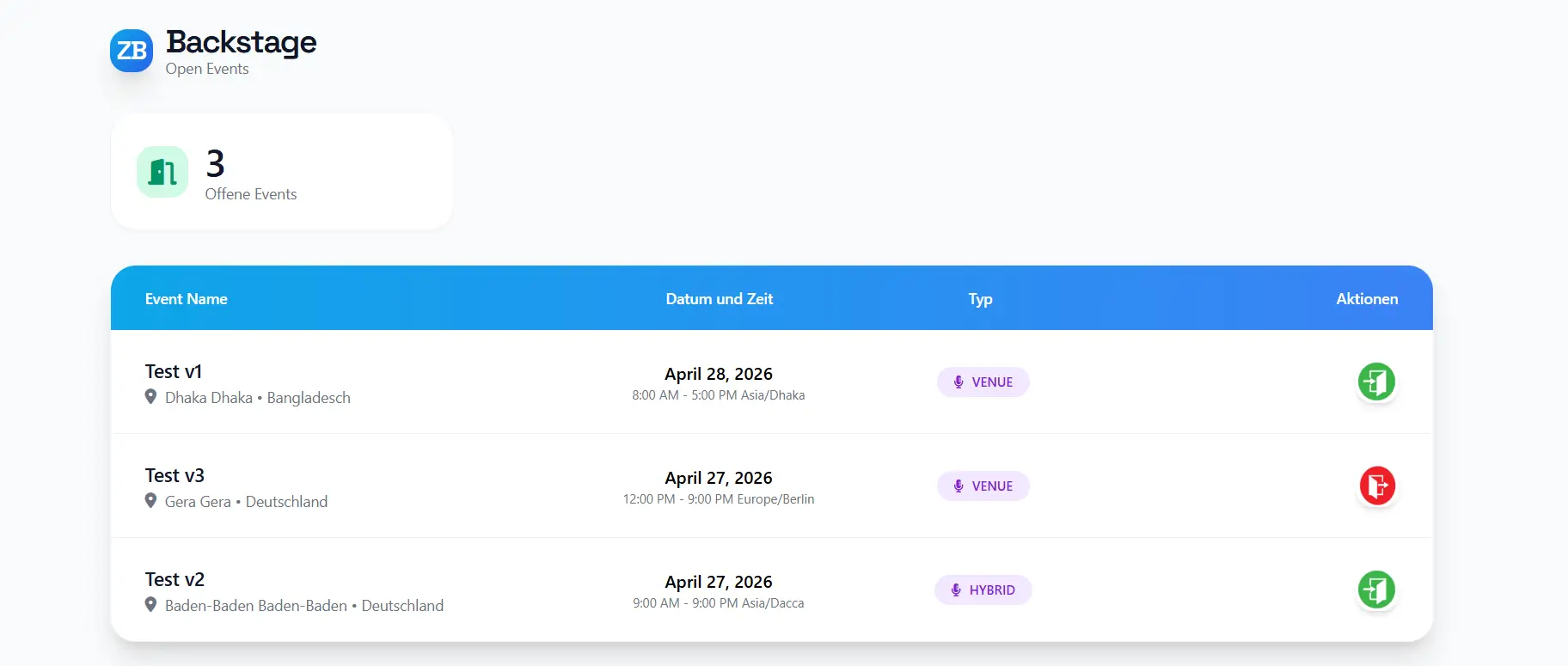
- Fetches live events from Zoho Backstage
- Displays them in Zoho CRM
- Allows attendee management per contact
Key Features of the Widget
1. Fetch Live Events from Zoho Backstage
- Retrieves real-time event data using API
- Displays:
- Event Name
- Date & Time
- Location
- Timezone
2. Dynamic Attendee Management
The widget intelligently detects whether the contact is already registered.
| Condition | Button Display |
|---|---|
| Not an attendee | Create Attendee |
| Already an attendee | Delete Attendee |
3. Create Attendee (Register Contact)
- Sends API request to Zoho Backstage
- Registers the CRM contact as an attendee
- Updates UI dynamically
4. Delete Attendee (Unregister Contact)
- Removes attendee from event
- Syncs changes instantly
- Updates button state
FAQ
Can I use this widget without a backend?
Does this work for multiple events?
Can I customize the UI?
Is real-time sync supported?
Conclusion
Integrating Zoho CRM with Zoho Backstage using a custom widget transforms how businesses manage event attendees. It centralizes operations, improves efficiency, and delivers a seamless user experience.
If you’re using Zoho One, this is a must-have automation to enhance your CRM capabilities.
👉 Read More: